

Family News
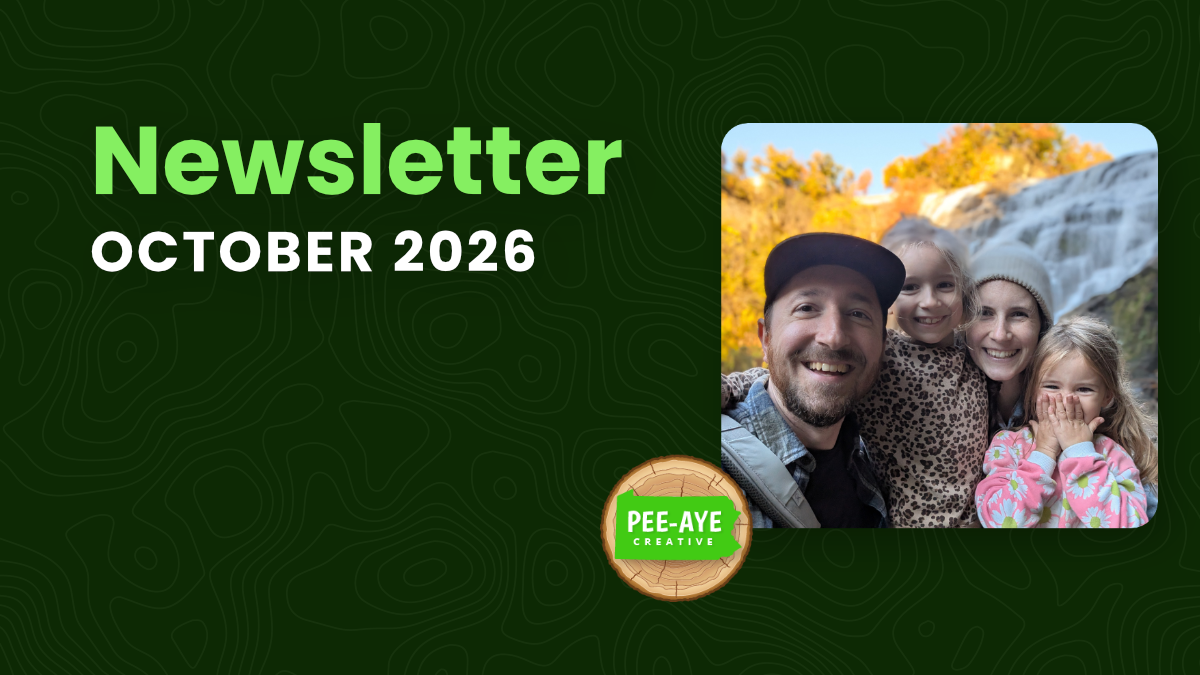
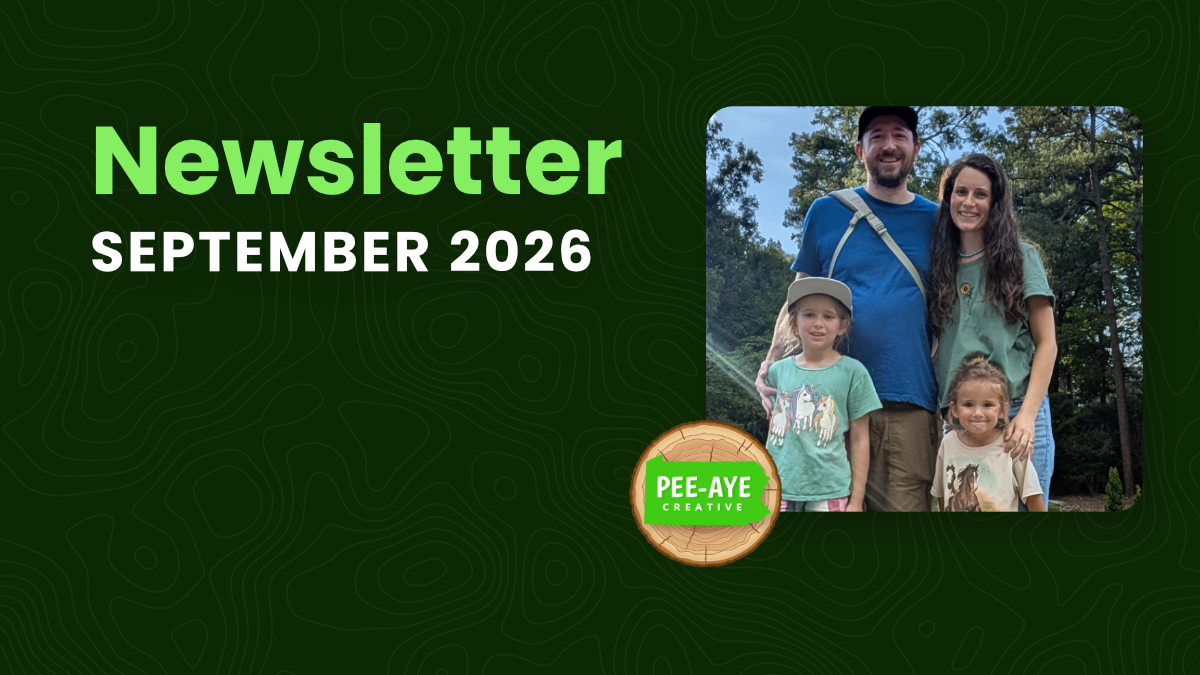
October is always our favorite month of the year. We enjoyed camping at Ohiopyle State Park in southwestern Pennsylvania (our favorite) with Tashia’s sisters and their families. We survived 14 hours of rain from hurricane Isais and enjoyed hiking to waterfalls, climbing on rocks along the river, the visitor center, the street festival in town, riding bikes, coffee, and campfires. We also stopped by and climbed the tower at the highest point in Pennsylvania, Mt. Davis. I was a groomsman in my cousin’s wedding, which was an honor and a lot of fun. We took a quick road trip to Ithaca/Watkinds Glen area for our anniversary, revisiting our favorite places around the Finger Lakes. Too many to list. Overall, October was gorgeous and perfect. The fall foliage was more colorful and much prettier this year than in the last 3 years.
Divi News
In October, Elegant Themes released 5 new main features along with hundreds of bug fixes:
- Divi 5.15 Release Notes
- Components And Slots
- Multi-Select And Bulk Editing
- Icon Manager
- Nested Variables, Variable Math & Variable Combinations
Components are the evolution of Divi’s Global Elements. They retain the power of globally synchronised designs but give you far greater control over what is global and what can be made specific to each individual instance.
Finally multi-select and bulk editing has made it to Divi 5 (we had these in Divi 4). You can now select individual elements with Cmd/Ctrl-click, select a range with Shift-click and edit your selection from one settings panel.
The new Icon Manager is a central location where you can import your own icons, group them into collections and then choose which collections you want to see as you’re building.
You can now combine variables, nest them within other variables and use them directly in your calculations within your settings.
Next, we can expect features like find and replace coming to Divi 5, as well as asset cleanup tools, Divi Cloud integration for AI rules, commands, presets, and variables, and new modules.
New Resources
Here are the latest blog posts and videos we published!
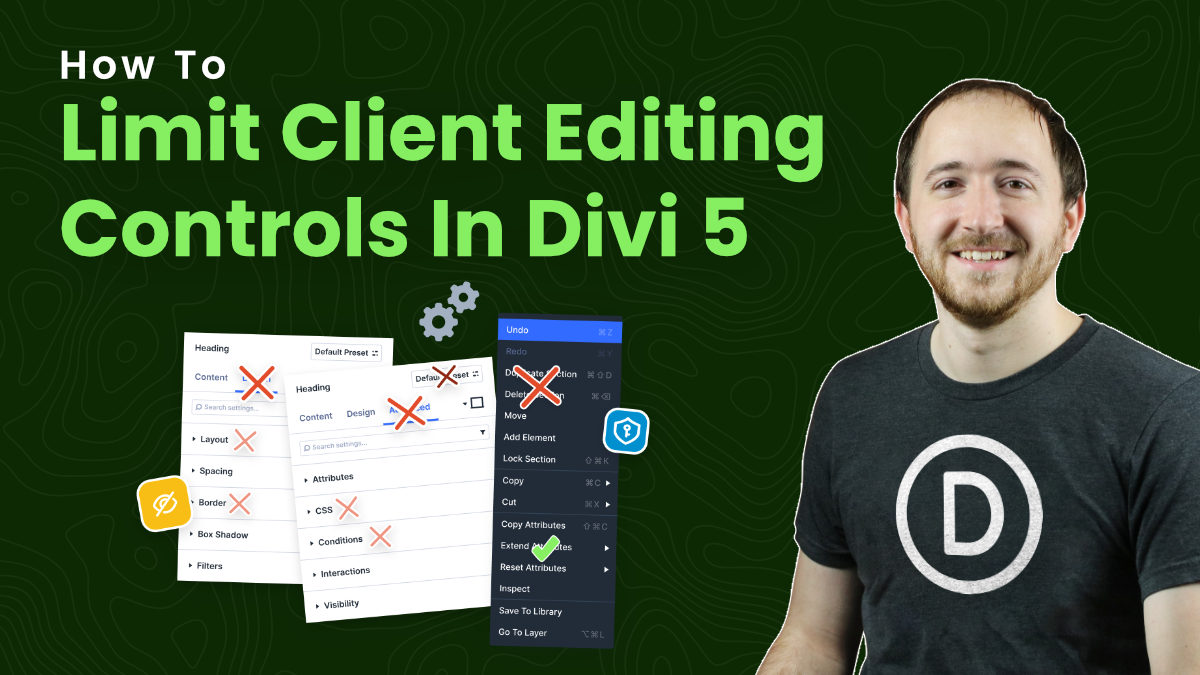
How To Limit Client Editing And Design Controls In The Divi 5 Builder
In this tutorial I will show you how to limit client editing access and design controls in the Divi 5 builder to protect layouts, prevent mistakes, and create a safer editing experience.
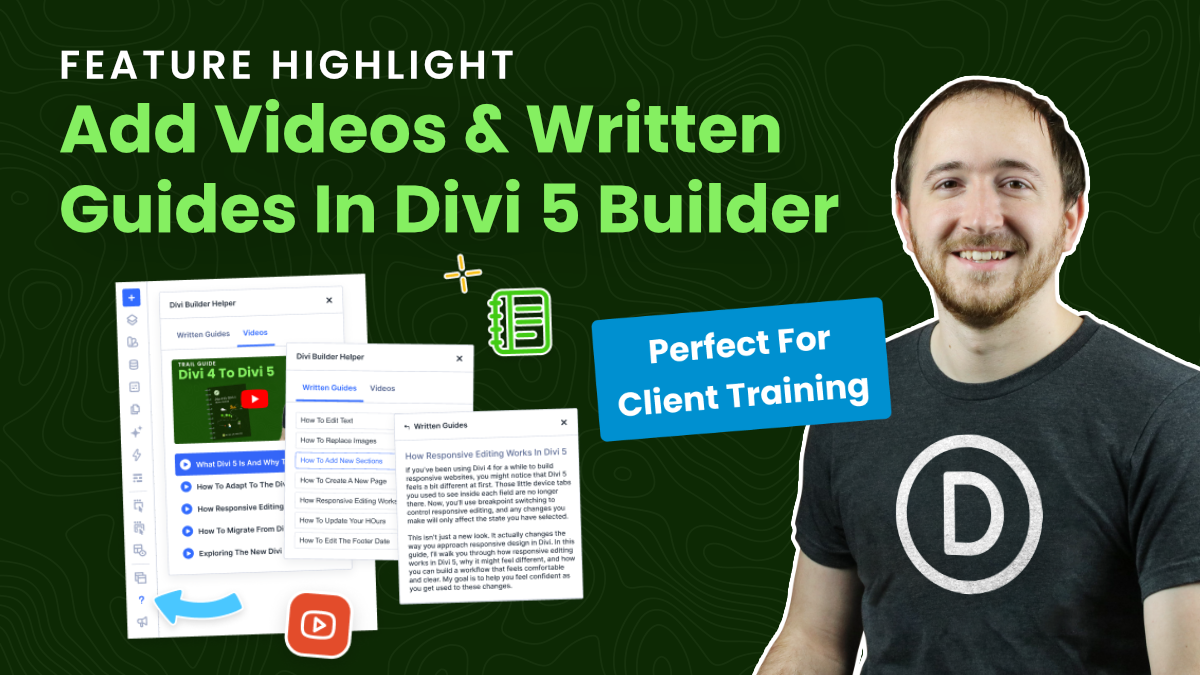
How To Add Your Own Training Videos And Written Guides Into The Divi 5 Builder
Learn how to add your own training videos and written guides directly into the Divi 5 Builder so clients can find the help they need without leaving their website.
Product News
Here is all the product news for this month!

New Convenient Features In The Divi Builder
We released some features this month that I absolutely love in our #1 trending plugin Divi Builder Experience Helper:
- Completely hide or auto-hide the left sidebar in the Divi Builder
- An option to open the WordPress Dashboard from the Divi Builder.
Incredible Clipboard History Feature In Divi Assistant
We are continuing to develop highly valuable, unique, crazy features in Divi Assistant for Divi 5.
- New Clipboard History feature in the Divi 5 Builder (Paste from History option in the right click menu and a Cmd/Ctrl + Shift + H shortcut to paste any of your last 10 copied sections, rows or modules).
- New AI Agent Helper with my Commands and my Rules pages to add, edit, delete, search and reorder your own Divi AI Agent Commands and Rules without having to open the builder.
- New Pee-Aye Creative Commands and Rules pages to browse, search and filter ready-made AI Agent resources from Pee-Aye Creative and install, update or remove them.
New PDF Features In Divi Contact Form Helper
We can’t stop! The Divi Contact Form Helper now has even more advanced premium features built in, no price increase and no add-ons required like with other form builders. We’ll be doing a full blog post on it very soon, but here are the quick details:
- New submission PDF that attaches a branded copy of every entry to the admin and/or confirmation emails
- Add view and download PDF buttons to the visitor success message
- Add view and download PDF icons in the admin entries list
- Completely customize the PDF design including the logo, fonts, row stripes, watermark, paper size, page margins, and so much more
Behind The Scenes
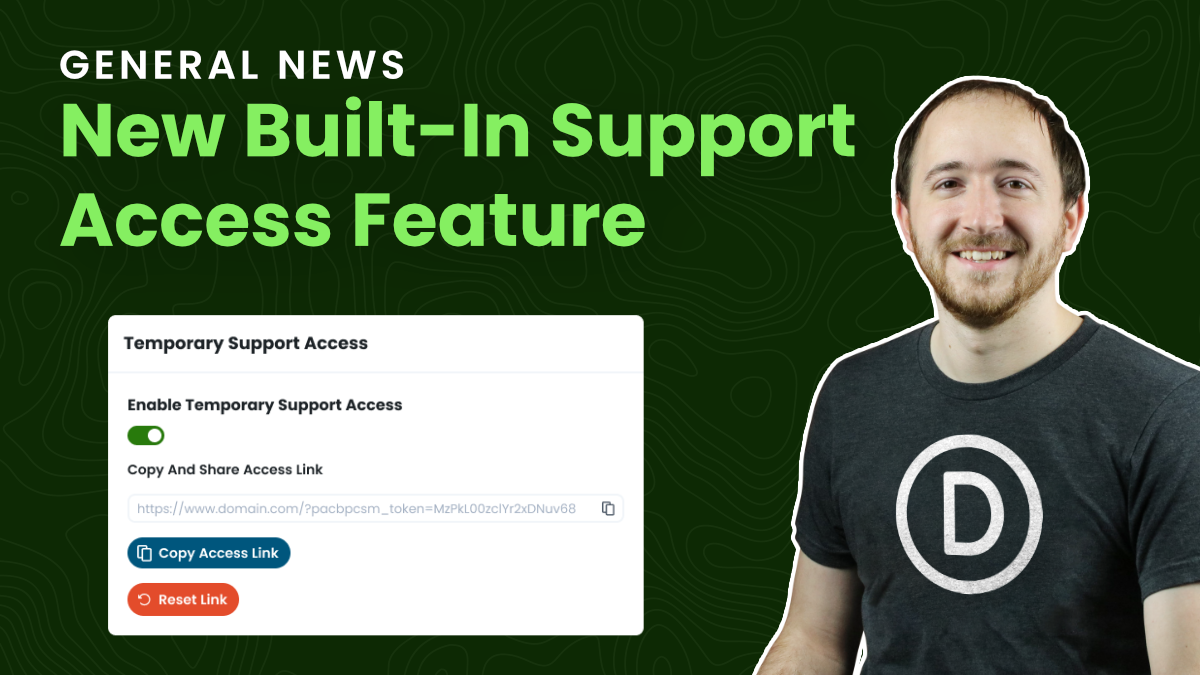
Introducing Built-In Temporary Support Access In All Pee-Aye Creative Plugins
As we continue improving our products, including our new support form, we saw an opportunity to make the support experience even better. Instead of asking customers to install another plugin or manually set up an administrator account, we have built the temporary login feature directly into our plugins. This removes an extra step, speeds up the support process for everyone involved, and lets us start troubleshooting sooner.
More And More Updated Docs
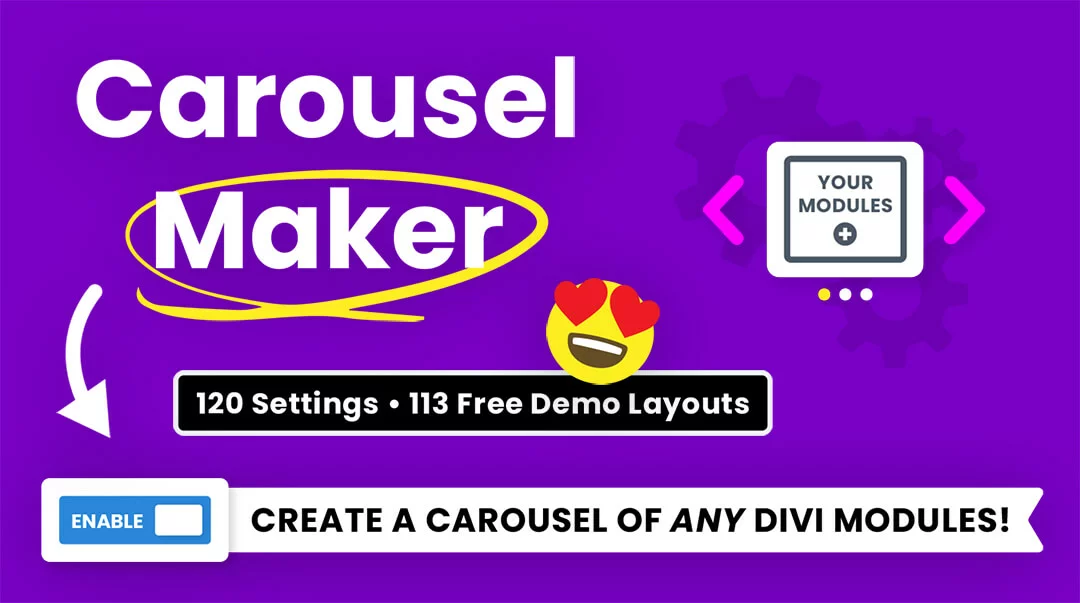
We continue updating our plugin docs for Divi 5. The Divi Carousel Maker and Divi Contact Form Maker now have mostly Divi 5 docs. We always call out anything unique to Divi 4 as special, without sending you to different pages.
Another Divi Migration Helper Feature Coming
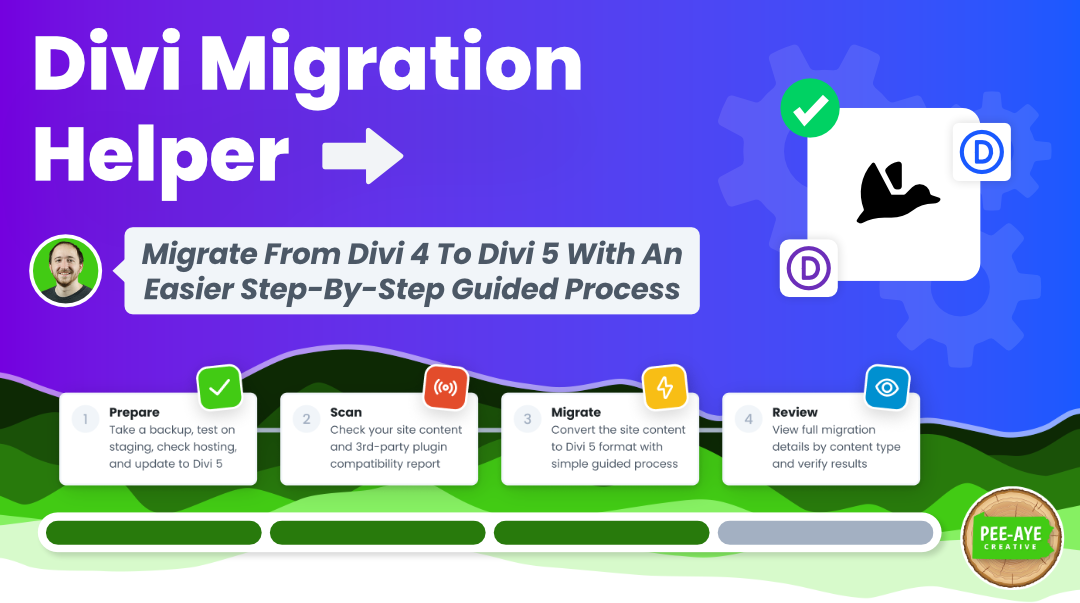
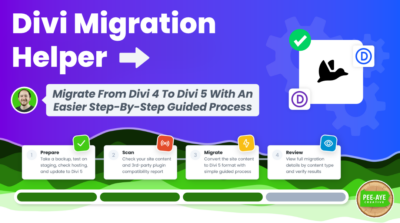
The FREE Divi Migration Helper remains extremely popular, and for good reason. Everyone loves the simplicity and guided visual approach. But what if I told you we are adding even more features? Soon you will be able to highlight backward-compatibility mode items on a page, click an outlined item to see why it’s in that mode, and convert it where that’s offered.
Our Migration Service is HOT
Many of you are reaching out about our Divi 5 migration service. From simple sites to complex ones, we can help. We have very low rates for simple sites, since we have optimized our process, and can handle very complex sites as well. Just reach out for a quote!
New Plugin launching Next Month
We do not build new plugins for the sake of building them. So when I say we have a new plugin launching, just know its something we thought about a long time and put a lot of effort into (not just AI slop). It’s not going to be used by everyone, but many of you will find it quite useful.








0 Comments