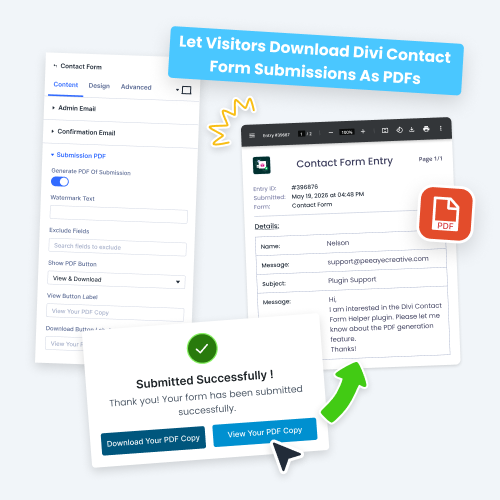
create dynamic admin email subject lines in divi contact forms with the divi contact form helper plugin by pee aye creative

Solution

Create Dynamic Admin Email Subject Lines In Divi Contact Forms

Generic admin email subjects in Divi can make notifications difficult to organize and cause unwanted email threading, but our Divi Contact Form Helper plugin solves this by letting you create dynamic subject lines using merge tags and submission data.

  • Create custom subject lines for admin notifications
  • Insert dynamic values using merge tags
  • Reduce inbox clutter and unwanted email threading
Nelson Miller Profile Orange

👋  Hello! I’m Nelson Miller, the owner of this company. I work with Divi every day and enjoy creating helpful solutions like this in our popular plugins. I hope you enjoy it, and let me know if you have any questions! 

problem

The Problem

Using the same subject line for all admin emails can create a messy inbox. It becomes hard to find specific submissions when everything looks the same. This confusion can lead to missed messages and important details getting overlooked.
solution

The Solution

Our Divi Contact Form Helper plugin allows you to create custom subject lines for admin notifications. You can use merge tags to insert dynamic values, making each email unique and informative. This means you can include details like the form name or submitter information directly in the subject line. By personalizing your email subjects, you can manage your inbox more effectively and quickly identify important submissions.
Divi Search Helper Logo

Create Unique Email Subjects with Our Plugin

The Divi Contact Form Helper lets you set custom subject lines for admin notifications. This makes it easier to manage your email communications.
action

How This Changes Your Workflow

With this feature, your workflow becomes much clearer and more organized. You can easily differentiate between various submissions just by looking at the subject line. This saves you time when searching for specific emails and helps you stay on top of your communications.

The Old Way 👎

  • All emails have the same subject line
  • Hard to find specific submissions
  • Increased chance of missing important messages

With Our Plugin👌

  • Custom subject lines for each email
  • Dynamic values make emails unique
  • Easy to locate important submissions
Refresh icon with green arrows on gray background.

Practical Use Cases for Dynamic Email Subjects

  • A freelancer managing multiple client inquiries can set unique subject lines for each project, making it easier to find specific messages later.
  • An agency handling various campaigns benefits from personalized email subjects that reflect the campaign name, helping to keep submissions organized.
  • A store owner can use dynamic subject lines to include customer names and order details, allowing for quick identification of customer queries in their inbox.
why

Using Custom Email Subjects in Divi

Open the Divi Builder and select or add the Contact Form module. Go to the Content tab, then open Admin Email Options. From there, you can customize the admin email subject line by adding merge tags and dynamic values to personalize your emails.

Using custom subject lines can help keep your inbox organized, reduce unwanted email threading, and make it easier to identify and track form submissions.

dynamic admin email subject lines in divi contact forms in divi 5
frequently asked questions

Frequently Asked Questions

Can I use multiple merge tags in the subject line?

Yes, you can combine multiple merge tags to create a more detailed subject line that includes various submission details.

What types of dynamic values can I include?

You can include values like the form name, submitter's name, entry number, and other dynamic tags to personalize your email subjects.

Will this feature work with all Divi forms?

Yes, as long as you are using the Divi Contact Form module, this feature will be available for all your forms.

How do I know if the dynamic subject line is working correctly?

You can test the form by submitting a sample entry and checking the admin email to see the customized subject line in action.

Is there a limit to how many merge tags I can use?

There is no strict limit, but it's best to keep the subject line clear and concise for better readability.

divi contact form helper

Get This Feature And More With The Divi Contact Form Helper Plugin

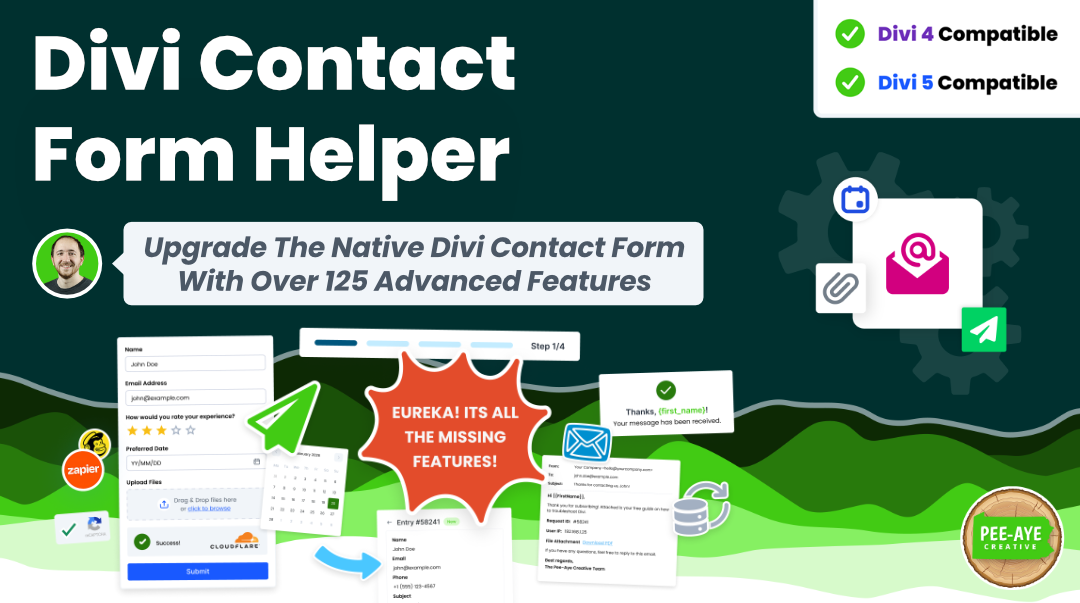
The ability to create dynamic email subject lines is just one of the features offered. Overall, Divi Contact Form Helper gives you more control over your forms and how you receive submissions, making your email management simpler.

Explore Our Other Divi Solutions

Shopping cart0
There are no products in the cart!
You may be interested in…
Divi Builder Experience Helper Plugin by Pee-Aye Creative
From: $29.00 / year

Select options This product has multiple variants. The options may be chosen on the product page

divi assistant plugin by pee aye creative
From: $69.00 / year

Select options This product has multiple variants. The options may be chosen on the product page

Divi Carousel Maker Plugin by Pee Aye Creative
From: $29.00 / year

Select options This product has multiple variants. The options may be chosen on the product page

Logo for D Beginner Course with graduation cap
From: $47.00 / year

Select options This product has multiple variants. The options may be chosen on the product page

divi events calendar
From: $54.00 / year

Select options This product has multiple variants. The options may be chosen on the product page

Continue shopping
0