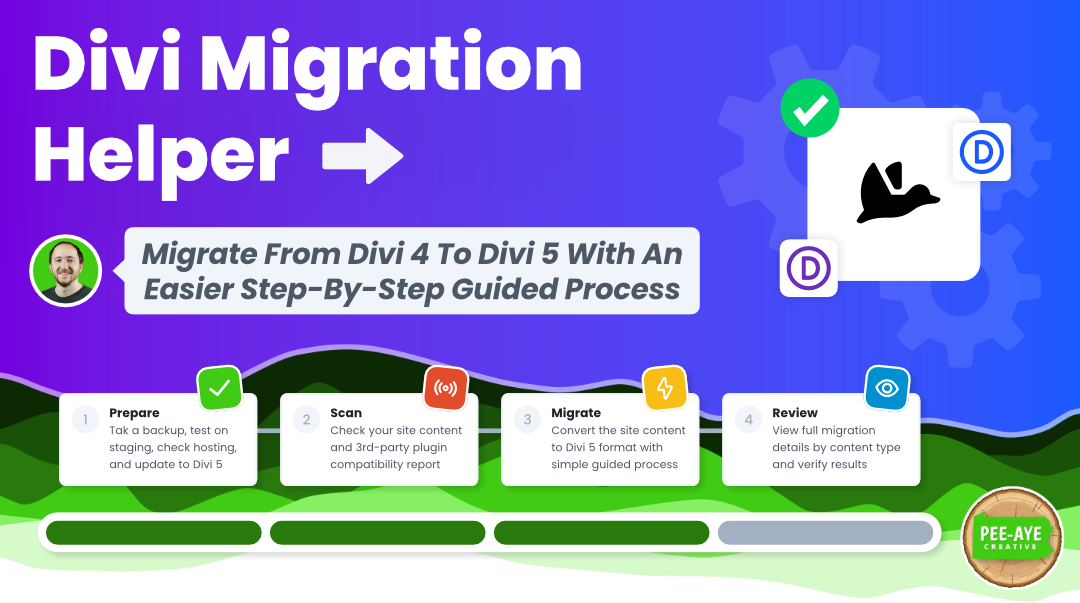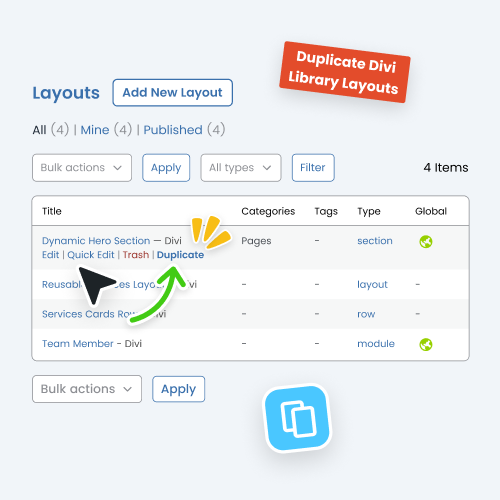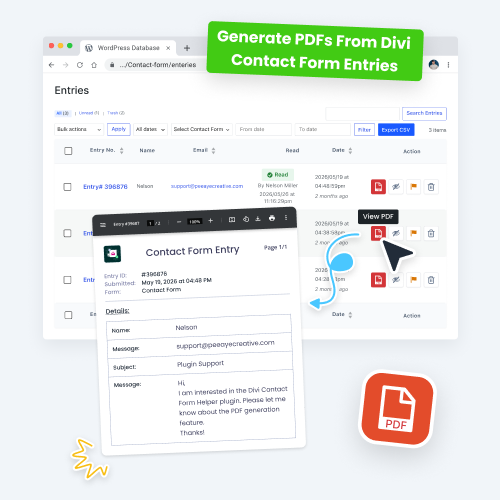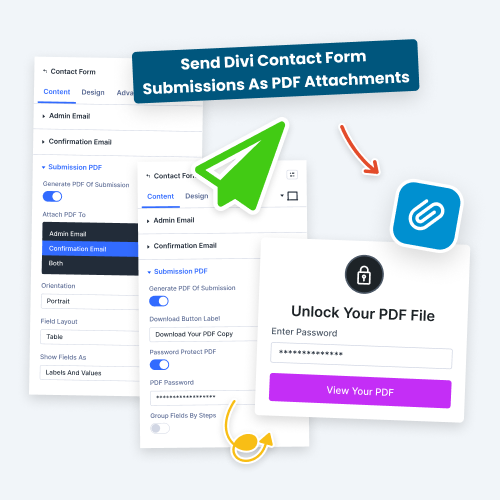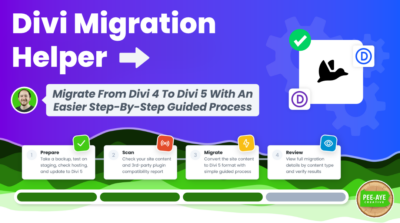
migrate and roll back individual divi backward compatibility items with the divi migration helper plugin by pee aye creative

Solution

Migrate And Roll Back Individual Divi Backward Compatibility Items

After migrating to Divi 5, it can be difficult to identify content still using backward compatibility mode or manage individual items without affecting the rest of your website, but our Divi Migration Helper plugin solves this by highlighting affected rows and modules, converting individual modules where possible, and letting you migrate or roll back individual pages, posts, projects, templates, and Divi Library items independently.

  • Highlight rows and modules using backward compatibility mode and explain why
  • Convert individual modules to Divi 5 where possible
  • Migrate or roll back individual pages, posts, projects, templates, and Divi Library items
Nelson Miller Profile Orange

👋  Hello! I’m Nelson Miller, the owner of this company. I work with Divi every day and enjoy creating helpful solutions like this in our popular plugins. I hope you enjoy it, and let me know if you have any questions! 

problem

The Problem

After upgrading to Divi 5, many users find it hard to manage individual items that need attention. It can be frustrating to deal with backward compatibility issues, especially when you want to migrate or roll back specific content. This often leads to confusion and extra work as users struggle to maintain their site's integrity during the transition.
solution

The Solution

Our Divi Migration Helper plugin makes it easier to handle individual items after migrating to Divi 5. It highlights backward compatibility items, allowing you to see which elements need your attention. You can then choose to migrate these items to Divi 5 or roll them back to Divi 4 without affecting the rest of your content. This targeted approach helps you maintain control over your site during the migration process.
Divi Search Helper Logo

Easily Manage Individual Migration Tasks

The Divi Migration Helper allows you to identify and manage backward compatibility items with ease. You can migrate or roll back specific elements without impacting your entire site.
action

How This Changes Your Workflow

With this feature, you can streamline your migration process by focusing on specific items that require attention. Instead of worrying about the entire site, you can manage individual pages, posts, or templates as needed. This practical change allows for a smoother transition and less stress during the upgrade.

The Old Way 👎

  • Struggle to identify backward compatibility items
  • Risk affecting other content during migration
  • Face confusion managing individual elements

With Our Plugin👌

  • Clearly see which items need attention
  • Migrate or roll back items independently
  • Manage content without disrupting the whole site
Refresh icon with green arrows on gray background.

Real-World Use Cases for Migration Management

  • A web designer needs to update a client’s site from Divi 4 to Divi 5 but finds some elements are not displaying correctly after migration.
  • A freelancer is tasked with migrating multiple client sites and wants to ensure each site retains its unique design without losing any content.
  • An agency managing several websites discovers that some templates require adjustments post-migration, and they need a way to address these without starting over.
  • A store owner wants to ensure their product pages are fully functional after the migration and needs to check each item individually.
  • A developer is working on a project that requires specific elements to remain compatible with Divi 4 while transitioning to Divi 5, needing a clear way to manage this process.
why

How To Use This Feature in Divi

After enabling the feature, you will see highlighted items in the Divi Builder that indicate which elements are using backward compatibility mode. You can then click on these items to choose whether to migrate them to Divi 5 or roll them back to Divi 4, allowing for precise management of your content.

frequently asked questions

Frequently Asked Questions

How does the plugin highlight backward compatibility items?

The plugin visually marks items in the Divi Builder that are using backward compatibility mode, making it easy to identify them at a glance.

Can I migrate items individually after a full-site migration?

Yes, you can migrate or roll back individual items even after completing the full-site migration, giving you flexibility in managing your content.

What types of content can I manage with this feature?

You can manage pages, posts, templates, and Divi Library items, allowing for comprehensive control over your site's migration.

Is it possible to re-migrate items that have been rolled back?

Absolutely, you can re-migrate items that were rolled back to Divi 4 back to Divi 5 without affecting other content.

What happens if I don't use this feature during migration?

Without this feature, you may struggle to identify which items need attention, leading to potential confusion and extra work during the migration process.
divi migration helper plugin from pee aye creative for migrating to divi 5

Get This Feature And More With The Divi Migration Helper Plugin

With Divi Migration Helper, the ability to highlight backward compatibility items is just one of the features offered. It helps you manage your migration process effectively, ensuring that you can focus on specific content while transitioning to Divi 5.

Explore Our Other Divi Solutions

Shopping cart0
There are no products in the cart!
You may be interested in…
Divi Builder Experience Helper Plugin by Pee-Aye Creative
From: $29.00 / year

Select options This product has multiple variants. The options may be chosen on the product page

divi assistant plugin by pee aye creative
From: $69.00 / year

Select options This product has multiple variants. The options may be chosen on the product page

Divi Carousel Maker Plugin by Pee Aye Creative
From: $29.00 / year

Select options This product has multiple variants. The options may be chosen on the product page

Logo for D Beginner Course with graduation cap
From: $47.00 / year

Select options This product has multiple variants. The options may be chosen on the product page

divi events calendar
From: $54.00 / year

Select options This product has multiple variants. The options may be chosen on the product page

Continue shopping
0