
In this tutorial I will solve a missing Divi feature and show you how to upload your own custom Divi background patterns and masks.
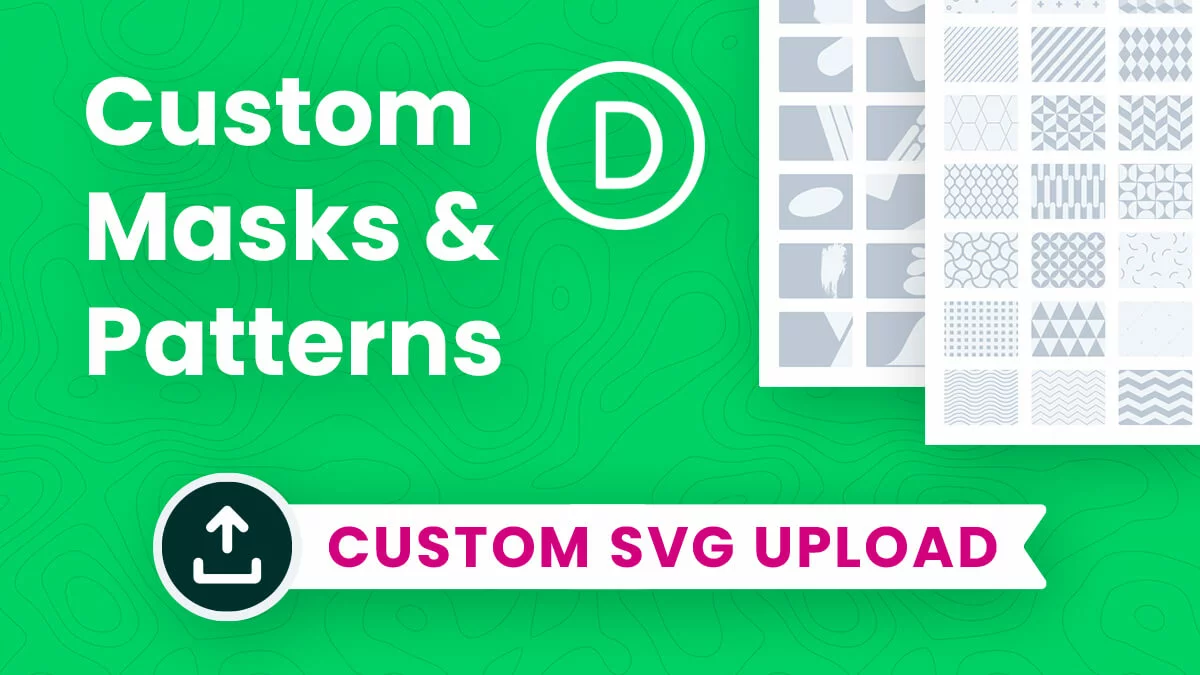
How To Upload Your Own Custom Divi Background Patterns And Masks
read more
In this tutorial I will solve a missing Divi feature and show you how to upload your own custom Divi background patterns and masks.
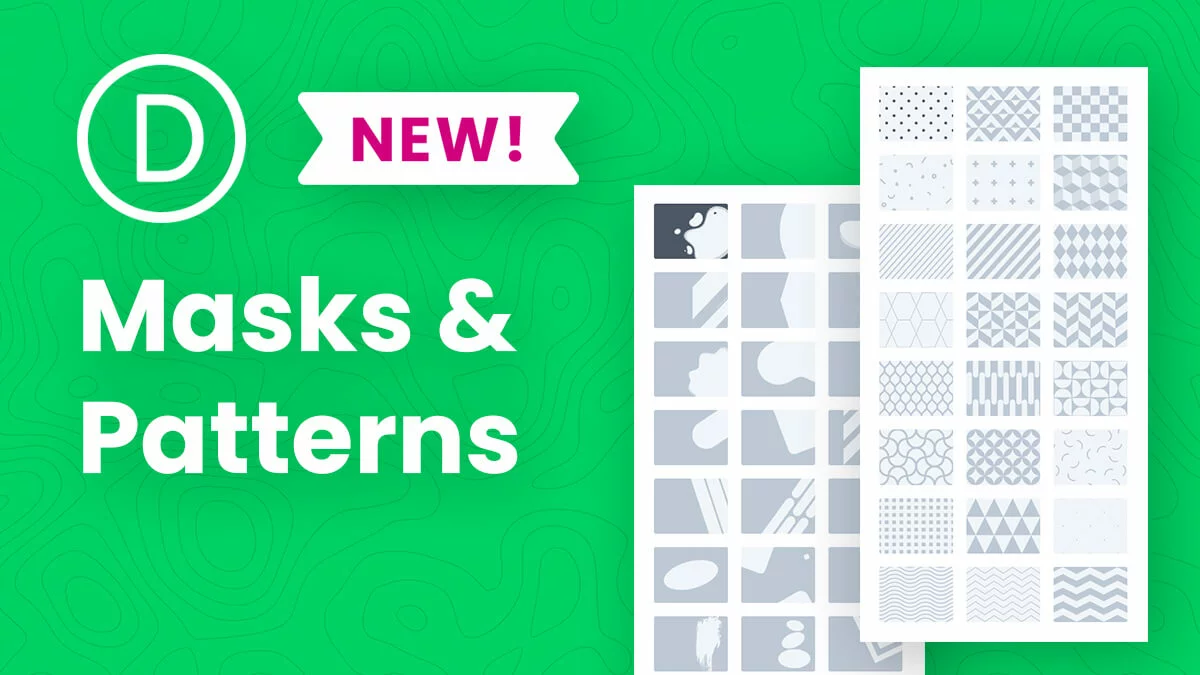
In this tutorial I will introduce you to the new Divi feature update for background masks and patterns and show an overview of the settings.
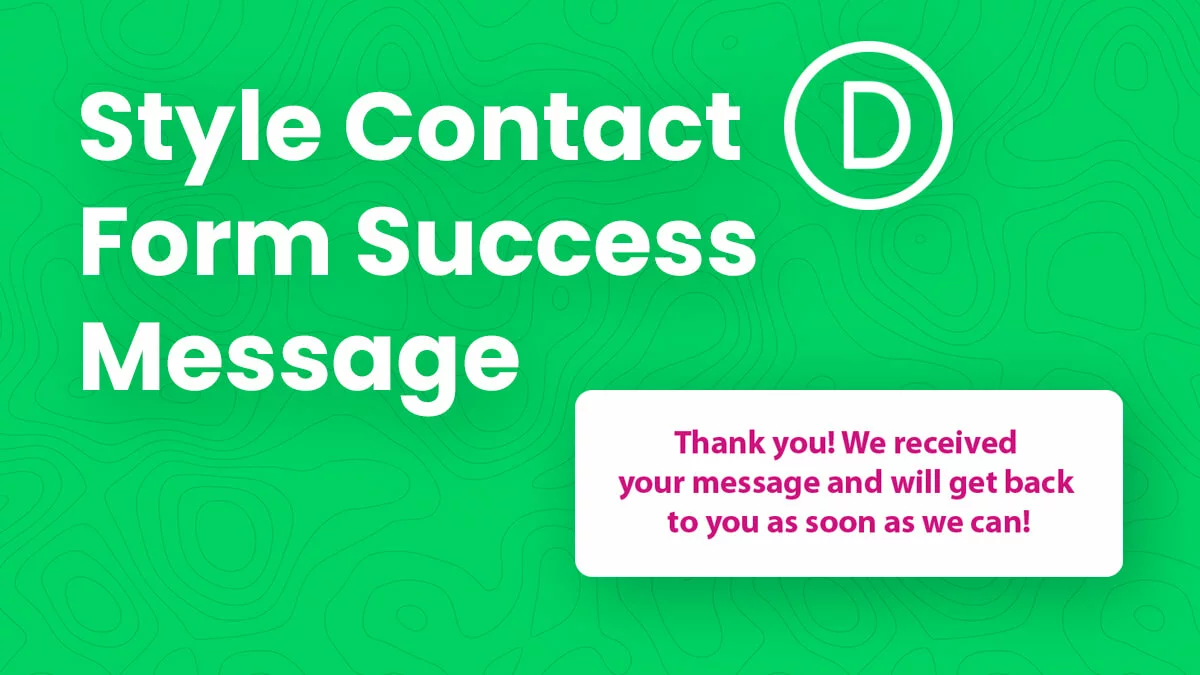
In this tutorial I will show you how to style with CSS the Divi Contact Form module success message that shows after a form is submitted.
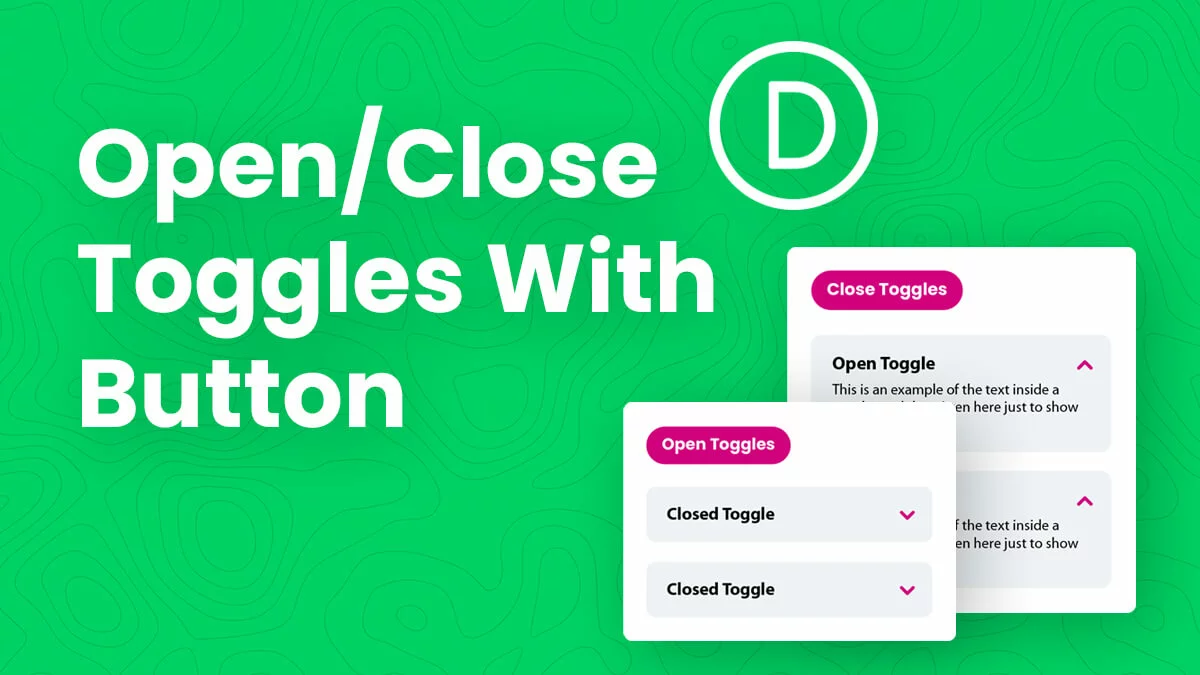
In this tutorial I will show you how to open and close all the Divi Toggle modules on a page with the click of a button!
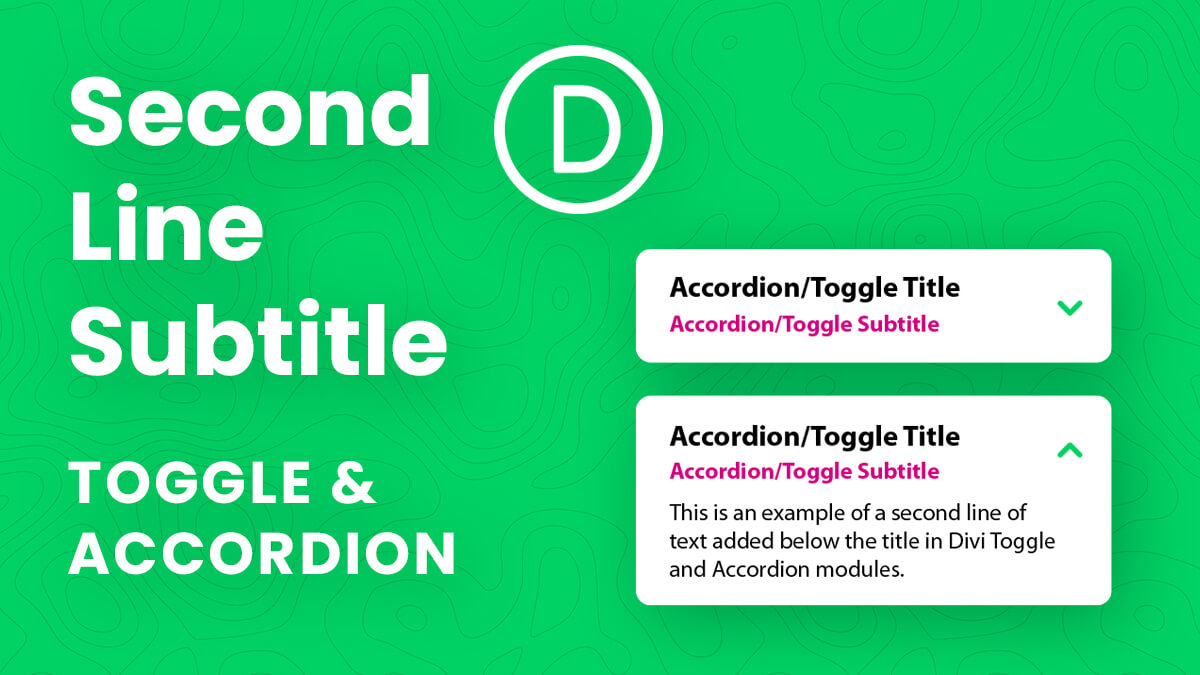
In this tutorial I will show you how to add a second line of subtitle text to Divi Toggle and Accordion modules.
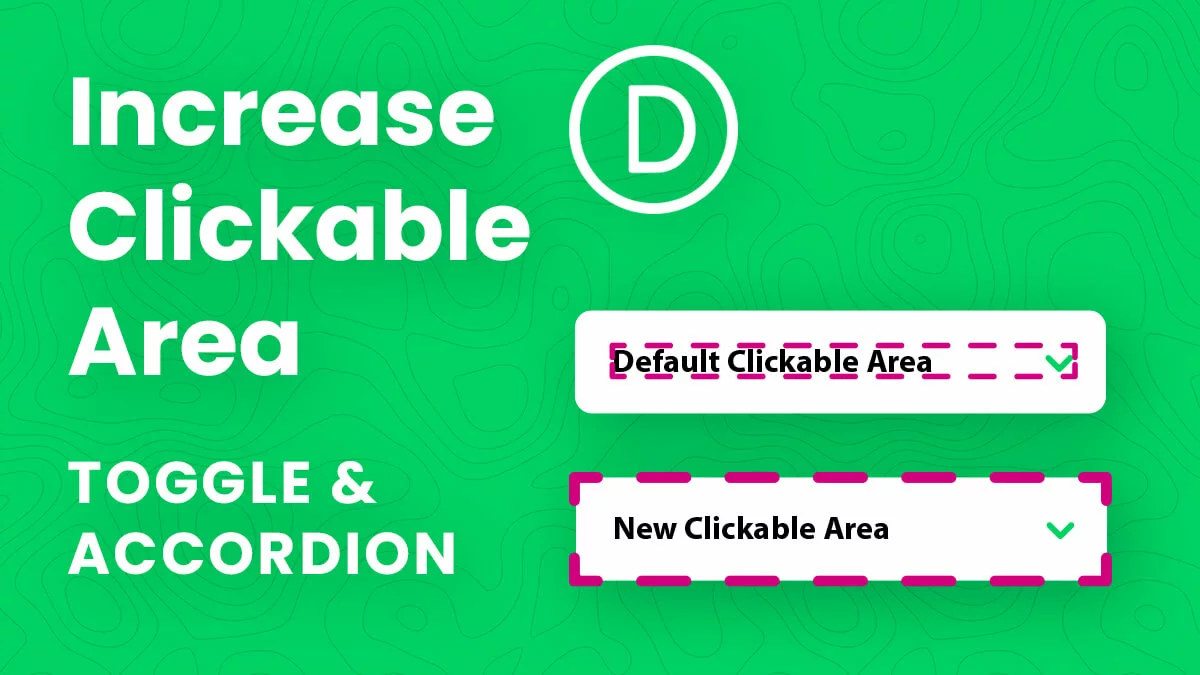
In this tutorial I will show you how to increase the clickable area of the Divi Toggle and Accordion modules beyond just the title text.
Learn about the history and popularity of Divi, the current situation, and a ton of sneak peaks into the incredibly exciting future of Div!
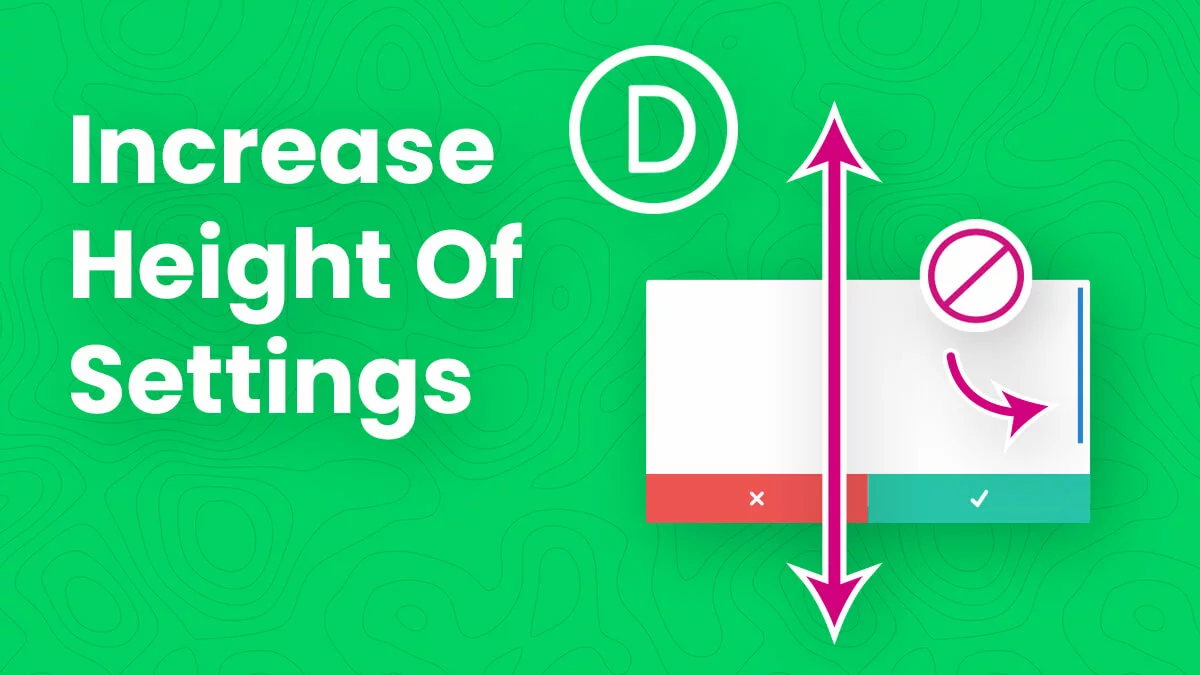
In this tutorial I will show you how to remove the scrollbar and increase the height of the inner Divi Builder settings modal UI.
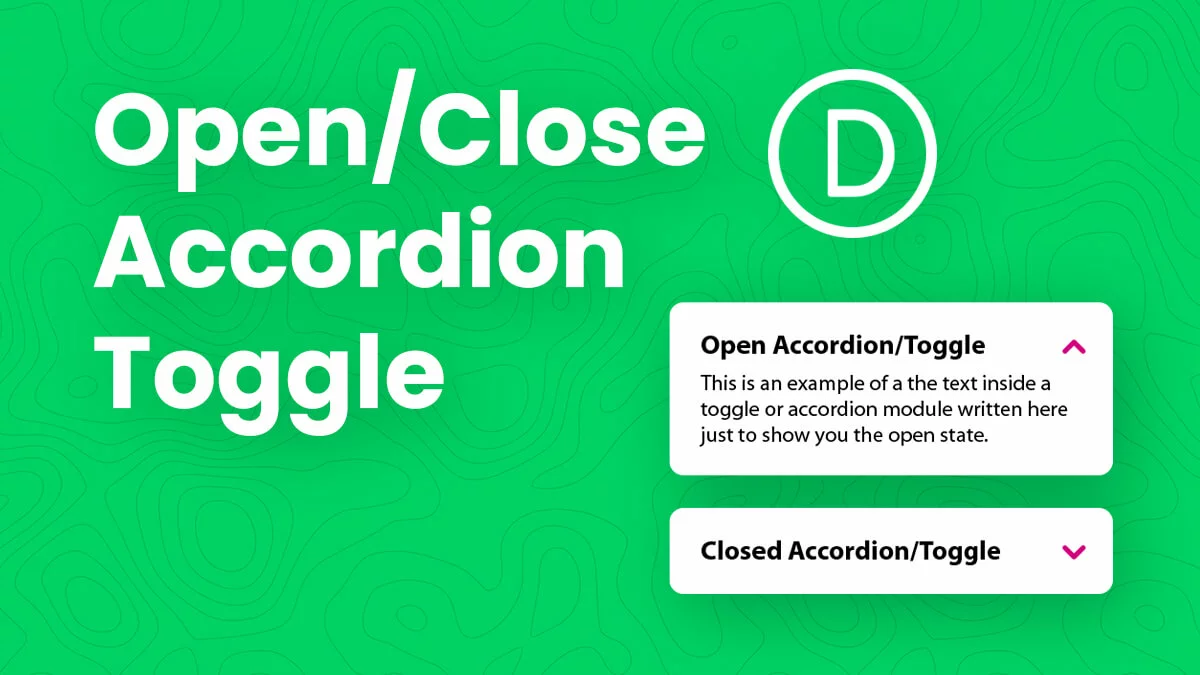
In this tutorial I will show you how to set the default state of the Divi Accordion module open or closed when the page loads.
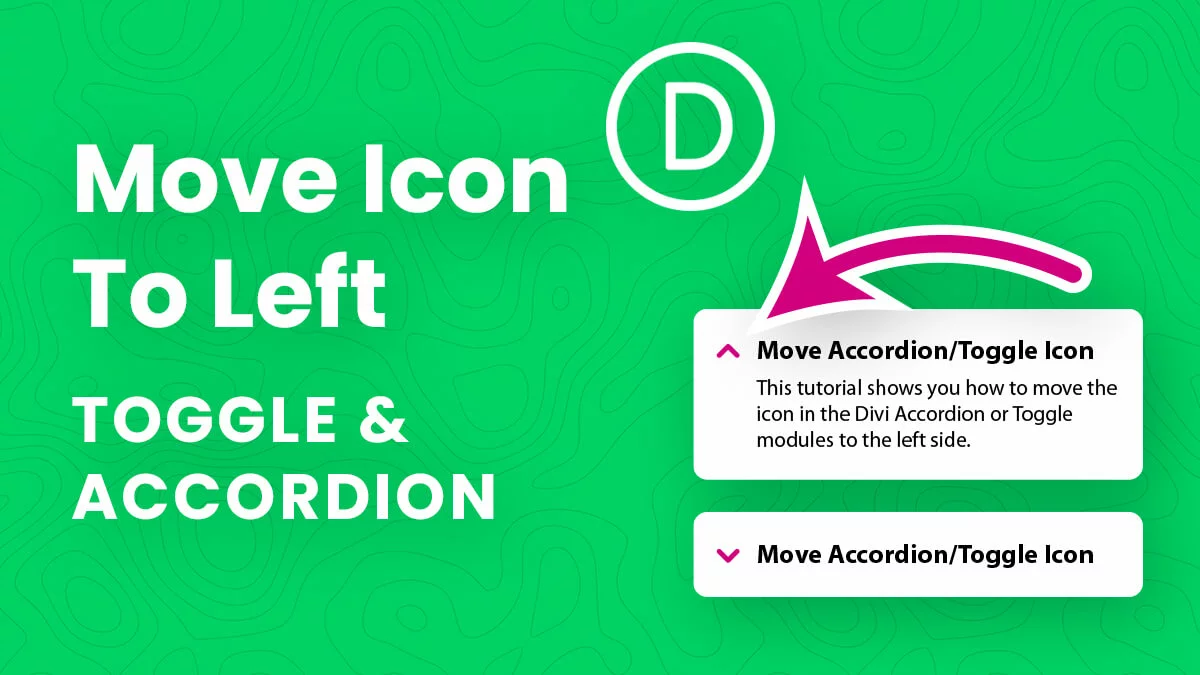
In this tutorial I will show you how to move the Divi Toggle and Accordion module open and close icons to the left side.
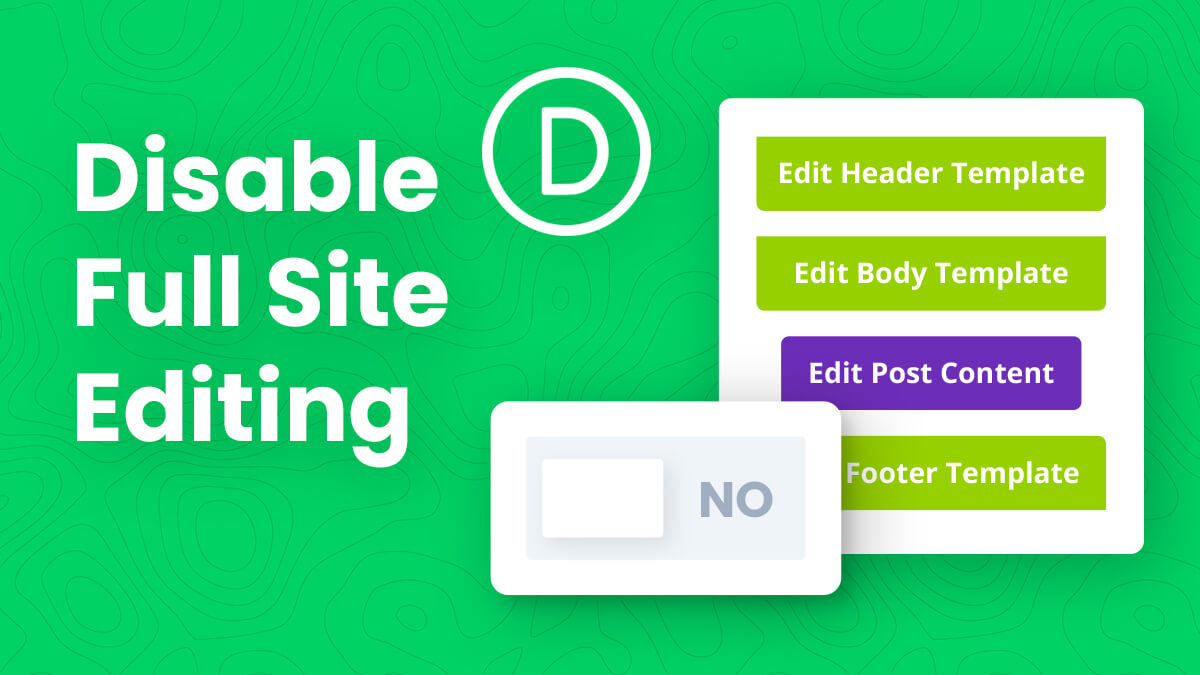
In this tutorial I will show you how to disable full site Divi Theme Builder template editing while working in the Visual Builder.
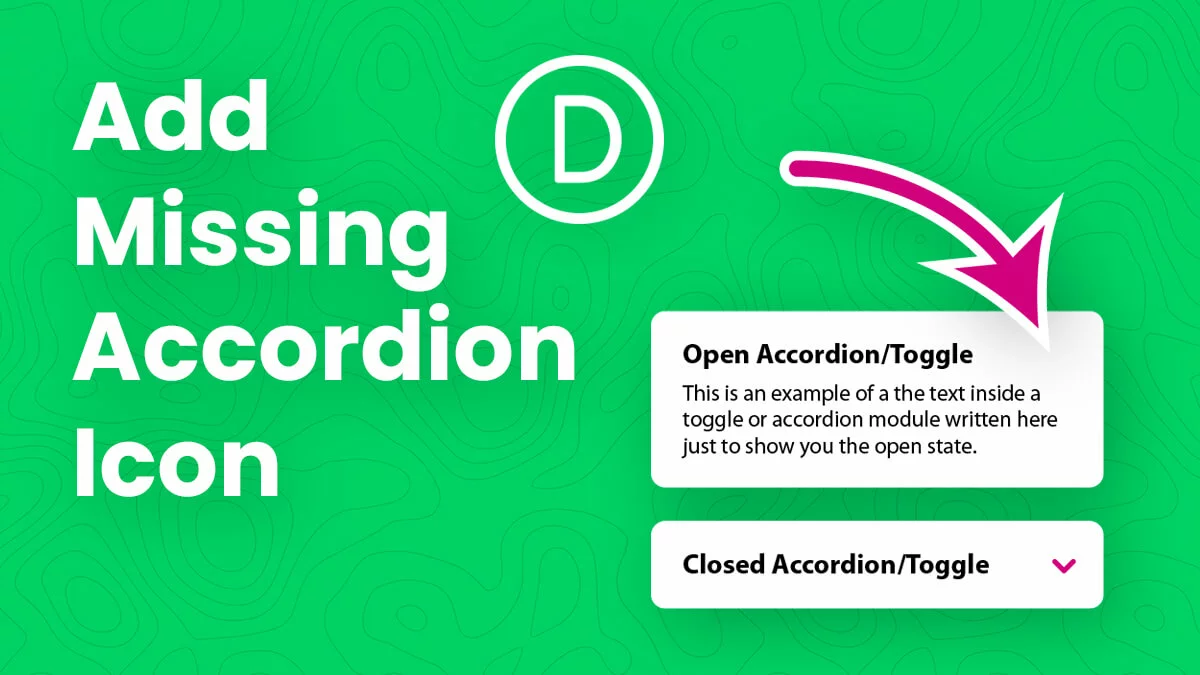
In this tutorial I will show you how to add the missing Divi Accordion module icon when the toggle is opened.